How to Download And Install Null’s Brawl iOS on iPhone, iPad
Download And Install Null’s Brawl iOS
Installing Null’s Brawl iOS on iPhone is one of the most searched questions in the entire Null’s Brawl community, and for good reason. Apple’s ecosystem is significantly more restrictive than Android, and millions of iPhone users who want the private server experience run into a wall the moment they try to search the App Store for it.
The good news is that Null’s Brawl works perfectly on iOS. You just need the right method. This guide covers everything from what tools you need to why the 7-day certificate renewal happens and how to make it automatic so you never think about it again.
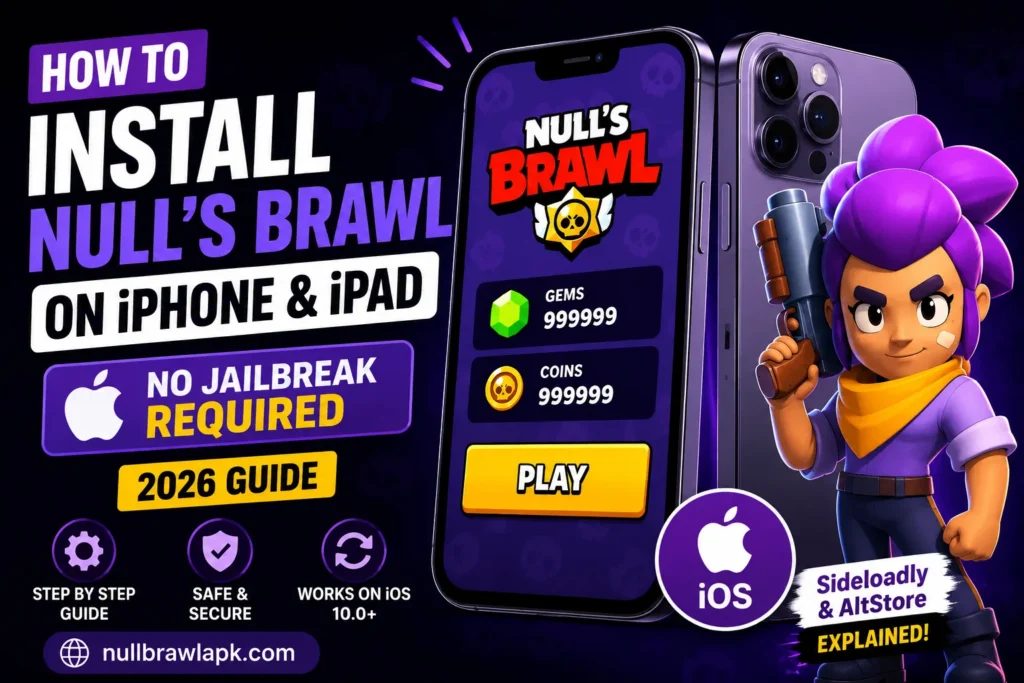
No jailbreak is required. Your iPhone warranty stays intact. Your iOS security is not compromised. The method used here is the same one developers use to test their own apps on their personal devices before submitting to the App Store.
Why Null’s Brawl is Not on the App Store
Apple maintains strict policies about what can be listed on the App Store. Private server modifications of official games fall outside those policies, so Null’s Brawl is distributed as an IPA file rather than through Apple’s official channel.
An IPA file is iOS’s version of an APK. It contains the complete application and can be installed on any compatible iPhone or iPad using sideloading tools. Sideloading is a legitimate method that Apple allows through its developer program, which is how independent developers test apps on real devices.
The two most reliable sideloading tools in 2026 are Sideloadly and AltStore. Both are free. Both work without jailbreaking. The main difference is that AltStore automates the certificate renewal that Sideloadly requires you to handle manually every 7 days.
What You Need Before Starting
Before you begin, make sure you have these ready.
- An iPhone running iOS 10.0 or later, or any compatible iPad
- A Windows PC or Mac computer
- A USB cable that works with your iPhone
- A free Apple ID (does not need to be your main one)
- The Null’s Brawl IPA file downloaded to your computer from NullBrawlAPK.com
- At least 2 GB of free storage on your iPhone
You do not need an Apple Developer account, which costs money annually. A free Apple ID is enough for both Sideloadly and AltStore, though free accounts have the 7-day certificate limit that paid accounts bypass.
Method One: Sideloadly (Best for First Time Installation)
Sideloadly is the most straightforward tool for getting Null’s Brawl onto an iPhone for the first time. It handles all the certificate signing automatically and gives you clear feedback throughout the process.
- Download and install Sideloadly on your computer from sideloadly.io. The installer is available for both Windows and macOS. Run it and complete the standard installation.
- Download the Null’s Brawl IPA file to your computer from NullBrawlAPK.com. Find the iOS download section on the homepage. The IPA file is around 1.15 GB so download over a good connection.
- Connect your iPhone to your computer with your USB cable. On Mac, open Finder and confirm your device appears in the sidebar. On Windows, make sure iTunes or Apple Devices is installed and shows your connected device. When your iPhone shows the Trust This Computer prompt, tap Trust and enter your passcode.
- Open Sideloadly on your computer. Your connected iPhone should appear automatically in the device section at the top of the window. If it does not show up, disconnect the USB cable, wait five seconds, and reconnect while keeping your iPhone unlocked.
- Drag the IPA file from wherever you saved it on your computer into the Sideloadly window. The app name and version details will appear in the interface confirming it loaded correctly.
- Enter your Apple ID in the Apple ID field. You do not need to use your primary Apple ID. Many users create a secondary Apple ID specifically for sideloading. Type your password when prompted. Sideloadly only uses these credentials to generate the signing certificate and does not store them.
- Click Start and watch the progress bar. Sideloadly signs the IPA with your Apple ID certificate and installs it on your iPhone. The process takes between 1 and 5 minutes depending on your computer and internet speed. Keep your iPhone connected and the screen on throughout.
- Trust the developer profile after installation completes. Disconnect your iPhone from the computer. On your iPhone, go to Settings, then General, then VPN and Device Management. You will see a profile listed under Developer App with your Apple ID email. Tap it and tap Trust. Confirm the trust prompt that follows.
- Open Null’s Brawl from your home screen. The game loads and connects to the private server. The first launch takes slightly longer than normal as the game downloads initial assets. Once inside, all brawlers, skins, gems, and features are available immediately.
Method Two: AltStore (Best for Long-Term Use)
AltStore solves the most annoying part of iOS sideloading, the 7-day certificate renewal, by handling it automatically in the background. Once set up, you basically forget it is running.
- Download AltServer on your computer from altstore.io. Install it and make sure it is running. On Windows it appears in the system tray. On Mac it appears in the menu bar.
- Connect your iPhone to your computer via USB. Click the AltServer icon in the tray or menu bar, then click Install AltStore, and select your iPhone from the list. Enter your Apple ID credentials when prompted.
- Trust the AltStore profile on your iPhone. Go to Settings then General then VPN and Device Management and trust the AltStore profile the same way as described in the Sideloadly method.
- Open AltStore on your iPhone. Tap the plus icon at the top right and navigate to the Null’s Brawl IPA file. If the IPA is on your computer rather than your iPhone, you can airdrop it first or use the Files app. AltStore installs the game and you can monitor progress in the My Apps tab.
- Automatic renewal happens whenever your iPhone is on the same WiFi network as your computer with AltServer running. AltStore refreshes the certificate silently in the background every few days. You will never see the app stop working as long as AltServer is occasionally active on your computer.
Understanding the 7-Day Certificate Issue
This comes up constantly in the community so it is worth explaining clearly.
When you install an app using a free Apple ID, Apple issues a certificate that is valid for 7 days. After 7 days, the app simply stops opening until you refresh the certificate. This is Apple’s way of limiting unofficial app distribution without a paid developer account.
There are three ways to handle it. The simplest is AltStore with automatic renewal, which is why many long-term users prefer it. The manual option is reconnecting your iPhone to Sideloadly every 7 days and reinstalling, which takes about 3 minutes and preserves all your progress. The expensive option is a paid Apple Developer account at $99 per year which gives you 365-day certificates and no renewal hassle.
For most people, AltStore’s automatic method is the sweet spot. Set it up once, forget about it.
How to Update Null’s Brawl on iPhone
When a new version releases, updating on iOS is the same process as the initial installation.
Download the new IPA file from NullBrawlAPK.com to your computer. Open Sideloadly or AltStore and install the new IPA on your iPhone the same way you did the first time. The new version installs over the existing one. Your Null’s Connect progress is preserved completely. The trust profile step may appear again if the certificate changed.
| Comparison | Sideloadly | AltStore |
| Ease of Initial Setup | Very easy, one session | Slightly more setup involved |
| Certificate Renewal | Manual every 7 days | Automatic when on same WiFi |
| Requires Computer Running | Only during install | Needs AltServer running for renewal |
| Best For | First installs and updates | Long-term daily players |
| Cost | Free | Free |
| Jailbreak Required | No | No |
| Works on iOS Version | iOS 10 and above | iOS 12 and above |
| IPA Source | NullBrawlAPK.com | NullBrawlAPK.com |
What to Do If Installation Fails
Sideloadly shows an error during signing — Sign out of your Apple ID in Sideloadly, wait five minutes, sign back in, and try again. If the error persists, create a new free Apple ID specifically for sideloading.
Error code 0xe8008015 — This means the certificate signing request was rejected. Log out of Sideloadly completely and try again after a short wait. Sometimes Apple’s certificate servers experience brief congestion.
iPhone not showing in Sideloadly — Make sure iTunes or Apple Devices is installed on Windows. On Mac check that your iPhone appears in Finder. Try a different USB cable and a different USB port. Make sure your iPhone is unlocked when connecting.
App installs but crashes immediately — The 7-day certificate has expired. Reinstall using Sideloadly to get a fresh certificate. Your progress through Null’s Connect is not affected.
Trust This Computer prompt not appearing — Disconnect your iPhone, power it off completely, power it back on, and reconnect while the screen is on and unlocked.
Missing content after installing on iOS — Some users running Null’s Brawl through LiveContainer on iOS experienced missing custom modifiers and shop content. A clean reinstall of the latest IPA from NullBrawlAPK.com resolves this.
iPhone Models That Work With Null’s Brawl
| iPhone Model | iOS Requirement | Performance Level |
| iPhone 6s, 7, 8 | iOS 10 or later | Playable, some frame drops |
| iPhone X, XS, XR | iOS 12 or later | Good, consistent performance |
| iPhone 11, 11 Pro | iOS 13 or later | Very good, smooth gameplay |
| iPhone 12, 13 | iOS 14 or later | Excellent, max settings |
| iPhone 14, 15, 16 | iOS 16 or later | Best performance available |
| All iPad models | iOS 13 or later | Large screen advantage |
Conclusion
Installing Null’s Brawl on iPhone is more steps than Android but entirely manageable. Sideloadly handles the initial install in about ten minutes. AltStore takes care of ongoing certificate renewal automatically so you can focus on playing rather than managing the installation. Either way, once Null’s Brawl is running on your iPhone, the experience is identical to Android with all brawlers, skins, and features unlocked from the first session.
![Best Similar Games like Null’s Brawl in 2026 [Top 20 Picks]](https://nullbrawlapk.com/wp-content/uploads/2026/05/Similar-Games-Like-Nulls-Brawl-1-768x576.webp)